Sleep Timer: Menu Bar & Widget
Bedtime schedule & screen off
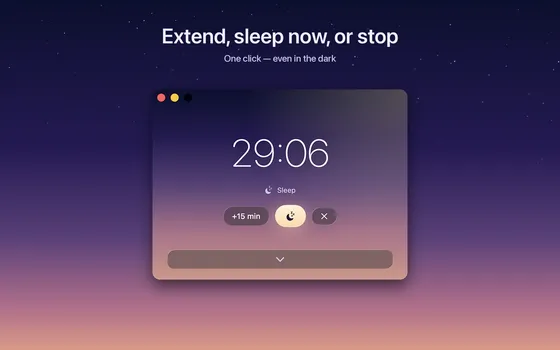
Sleep Timer puts your Mac to sleep, or just dims the screen, after a countdown, at an exact time, or on a daily bedtime schedule. It lives in the menu bar with a live countdown, and a minute before sleep it asks: extend, sleep now, or cancel?

- Platform
- Mac
- Price
- $2.99, paid once
What it does
Timer your way
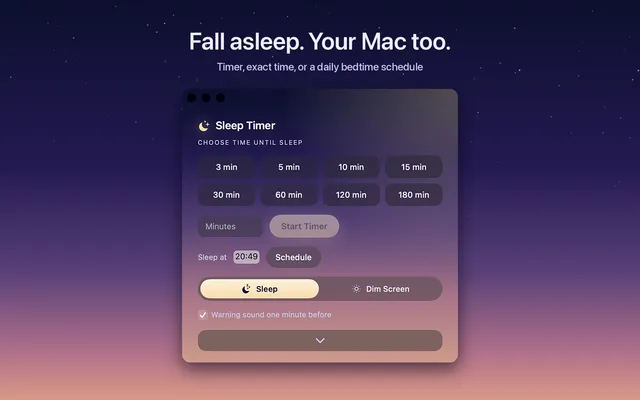
One-click presets from 3 minutes to 3 hours, any custom duration, or an exact time like 23:30.
Daily bedtime schedule
The sleep schedule Apple removed from macOS, back in the menu bar.
Widget, Siri and Shortcuts
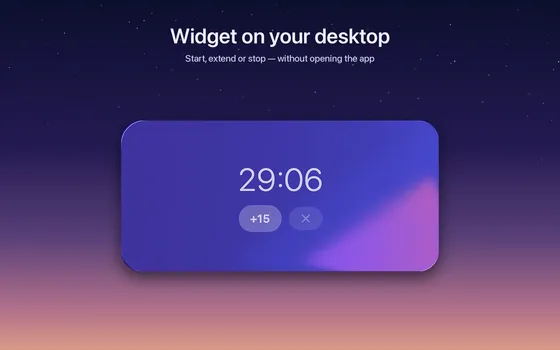
Desktop widget with quick actions, Control Center toggle on macOS 26, and a Siri phrase to start it.
Gentle warning
A minute before sleep you get one click to extend, sleep now, or cancel.
More screens